Maintenance mode
Maintenance mode lets admins temporarily block non-admin members from accessing the Holistics workspace. It's useful for upgrades, data backfills, or any operation where you'd rather no one else be in the room.
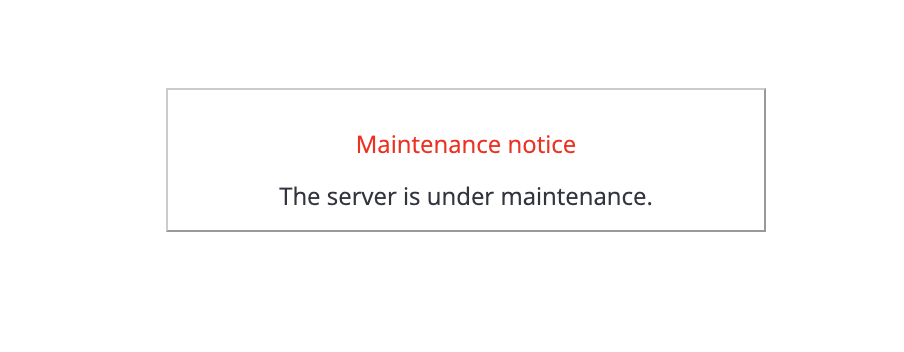
You can also set up a custom message that visitors see during the downtime.
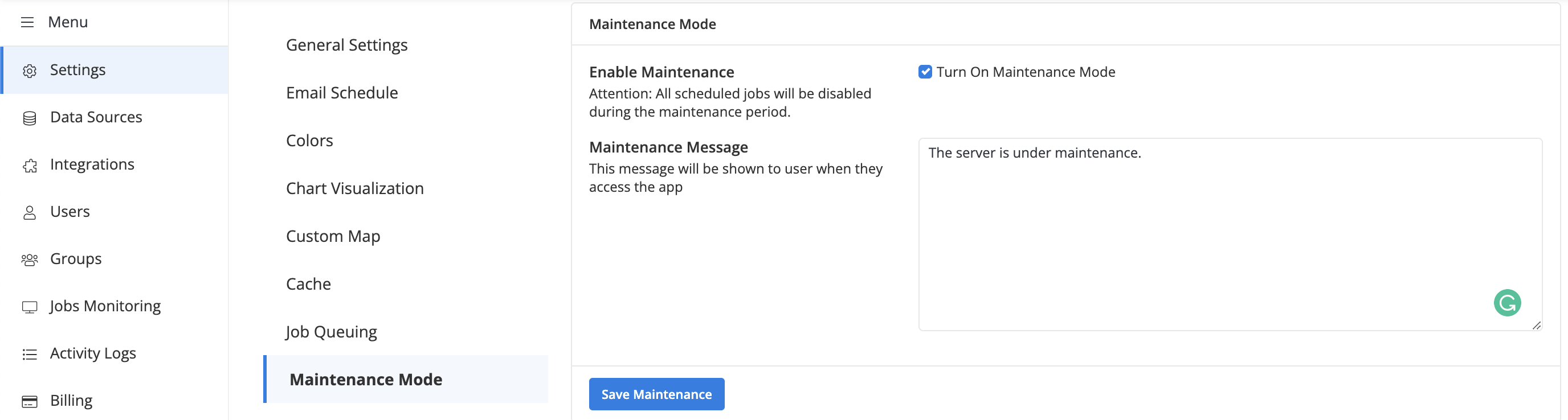
While maintenance mode is on, members with the Admin role can keep working in the workspace as normal, with one exception: scheduled jobs are paused. A notification bar reminds admins that the mode is active.

Non-admin members see the maintenance notice when they try to log in.