Enable AI
Enable or disable AI entirely
Use the master toggle at the top to turn Holistics AI on or off for your entire organization. When disabled, all AI features are hidden from all users.

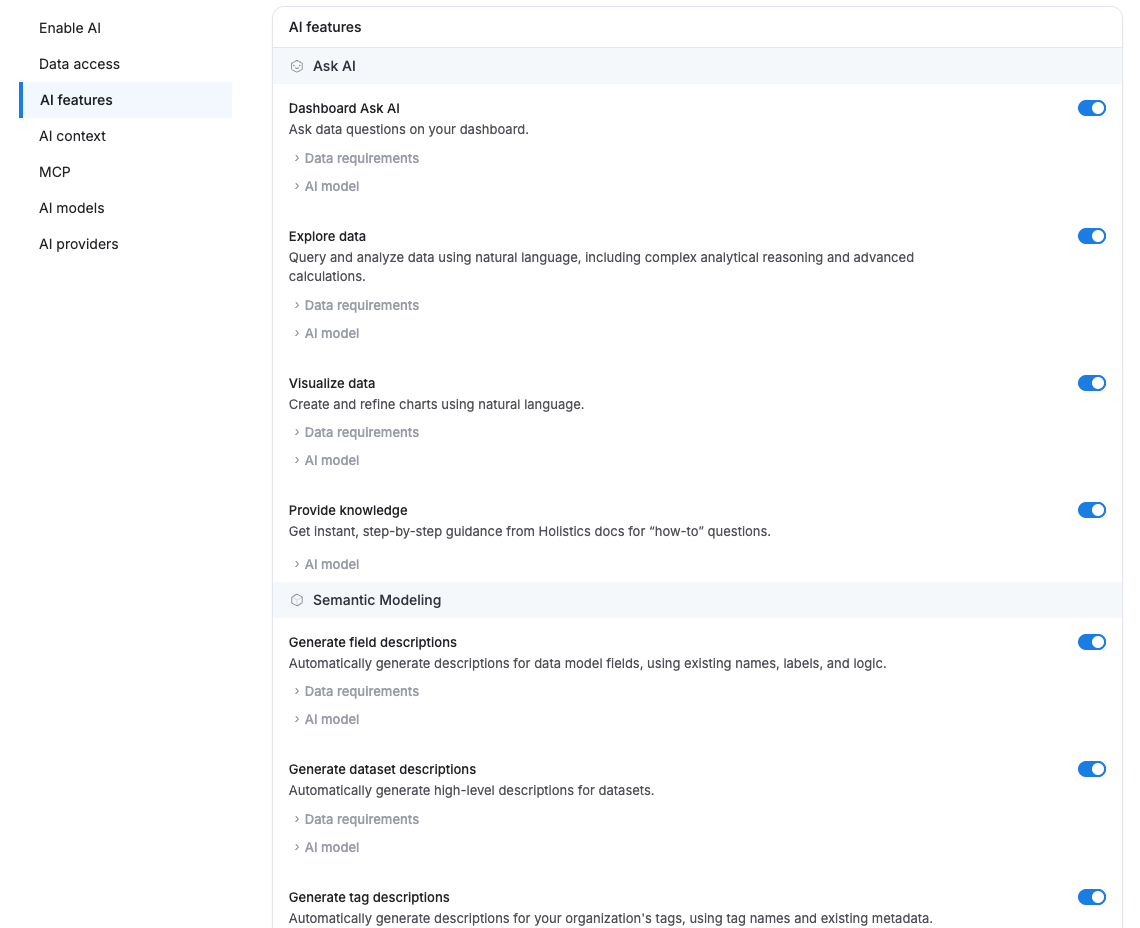
Enable or disable specific AI features
Toggle individual AI features on or off without disabling AI entirely. Useful for rolling out features gradually or restricting specific capabilities to certain users.
To control access at the individual level instead, see Who Can Use AI.