Logical calculations
Logical calculations apply conditions to decide what to aggregate or return.
Count if
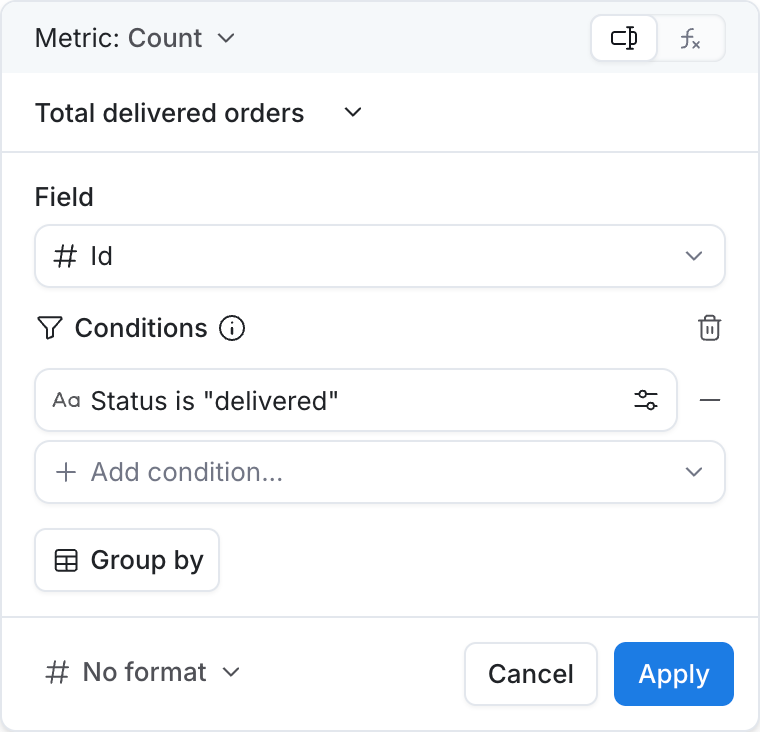
Counts the total number of items in a group with conditions.
Inputs
Same as Count, with a Filter so only matching rows are counted.
Use cases
- Number of female users above 30
- Count of delivered orders
- Tickets marked as urgent
Count distinct if
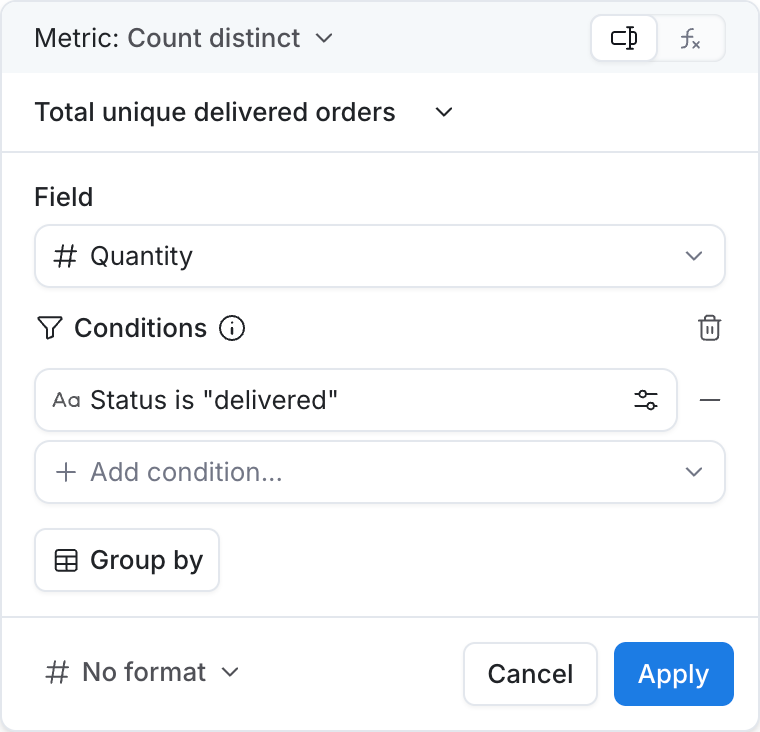
Counts the total number of distinct items in a group with conditions.
Inputs
Same as Count distinct, with a Filter so only matching rows are included.
Use cases
- Unique customers from a region
- Distinct products sold on promotion
- Unique users who completed onboarding
Average if
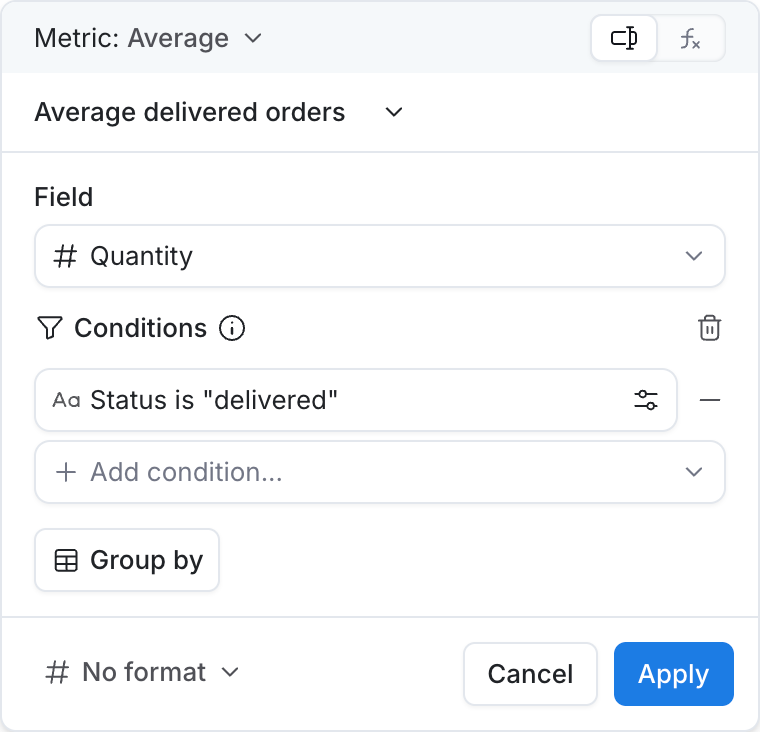
Calculates the average of values in a group with conditions.
Inputs
Same as Average, with a Filter so only matching rows are included.
Use cases
- Average order value for repeat buyers
- Average session duration for mobile users
- Mean delivery time for express shipping
Min if
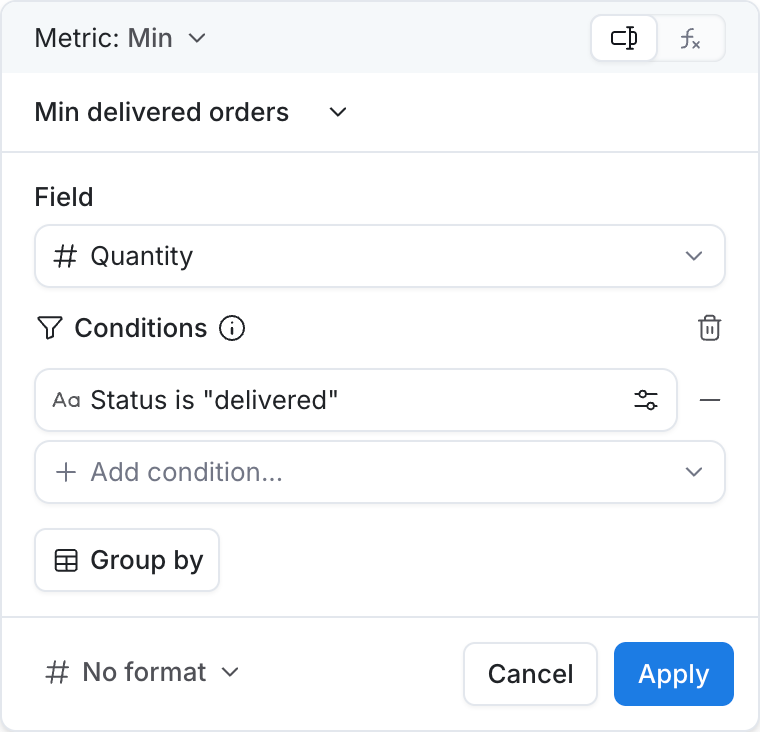
Returns the item in the group with the smallest value with conditions.
Inputs
Same as Min, with a Filter so only matching rows are included.
Use cases
- First order date for VIP customers
- Earliest login among active users
- Lowest quote amount that was accepted
Max if
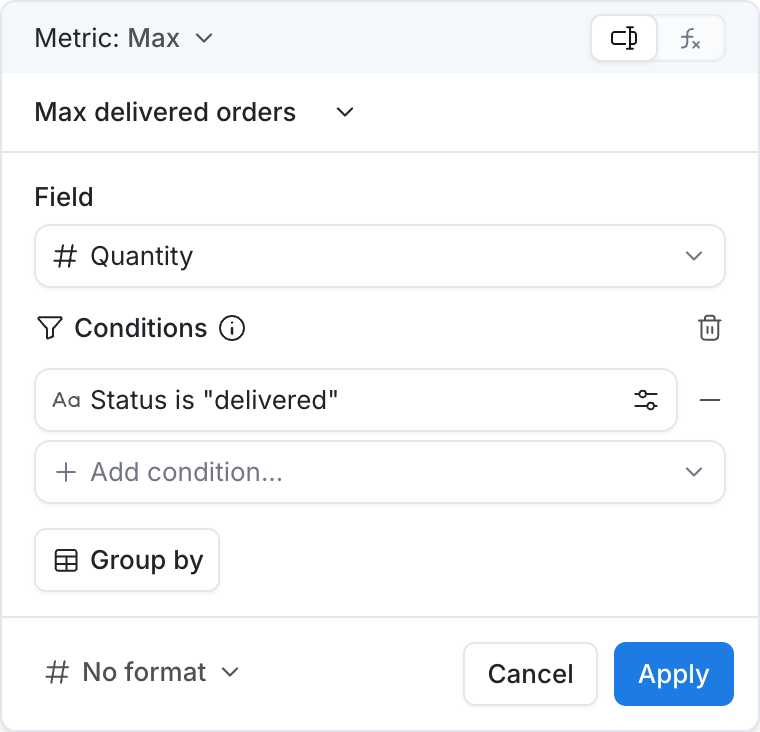
Returns the item in the group with the largest value with conditions.
Inputs
Same as Max, with a Filter so only matching rows are included.
Use cases
- Largest order from a campaign
- Latest renewal date for paid plans
- Highest NPS score among promoters
Sum if
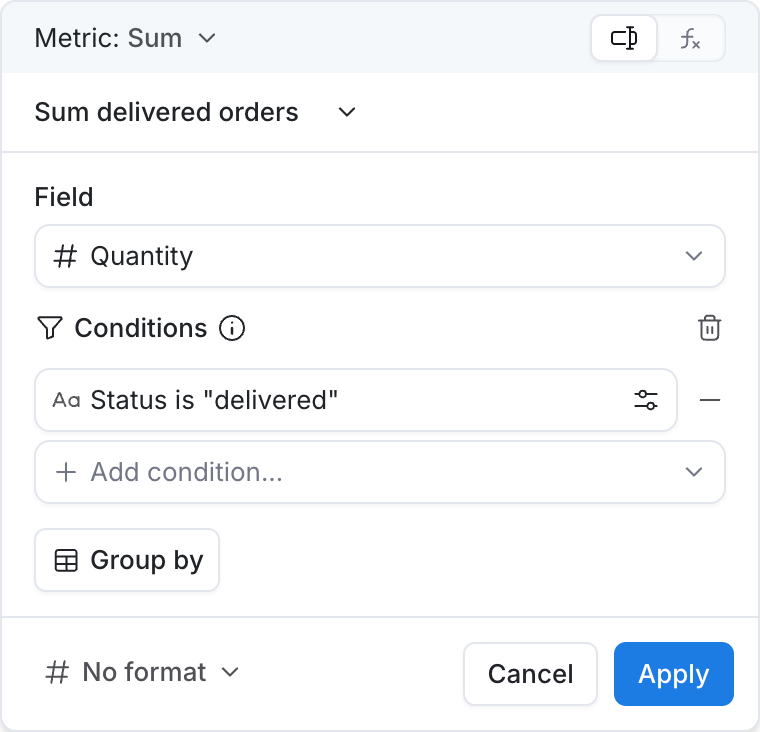
Calculates the sum of values in the group with conditions.
Inputs
Same as Sum, with a Filter so only matching rows are included.
Use cases
- Revenue from a specific product line
- Total discount amount on cleared carts
- Sum of refunds issued this month
Case when
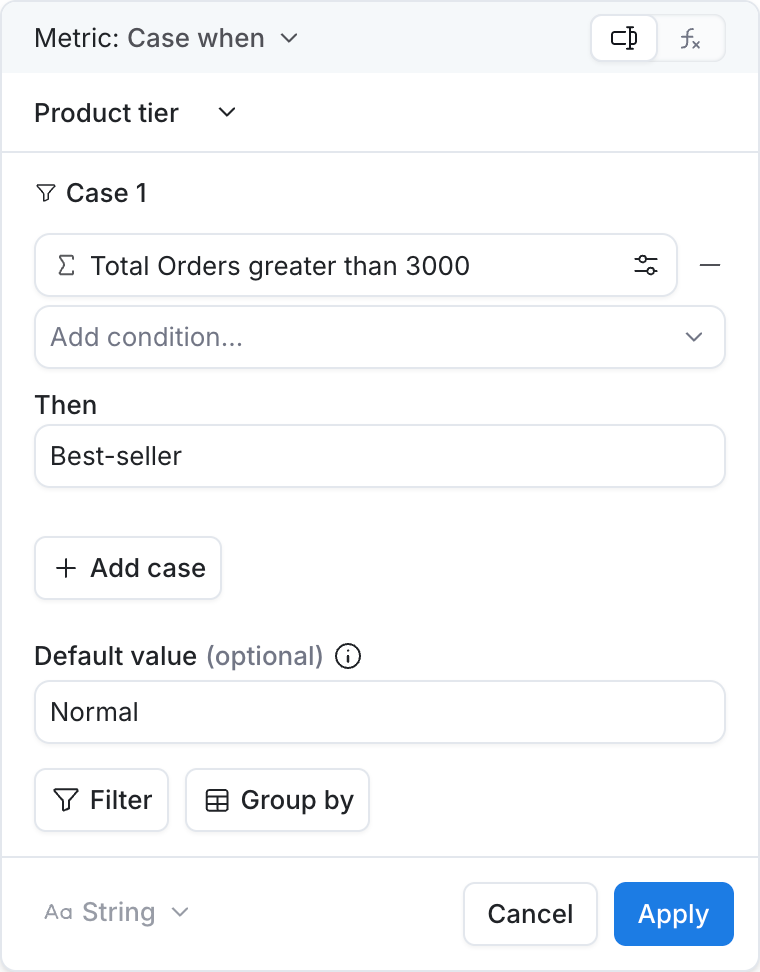
Returns the value associated with the first condition that evaluates to true.
Inputs
| Input | Required? | Description |
|---|---|---|
| Case | Yes | One or more cases. Conditions that must match. |
| Then | Yes | Value for each case when it matches. |
| Default value | No | Fallback when no case matches. |
Use cases
- Bucket customers into spend tiers
- Map status codes to friendly labels
- Flag high-risk orders based on amount and country