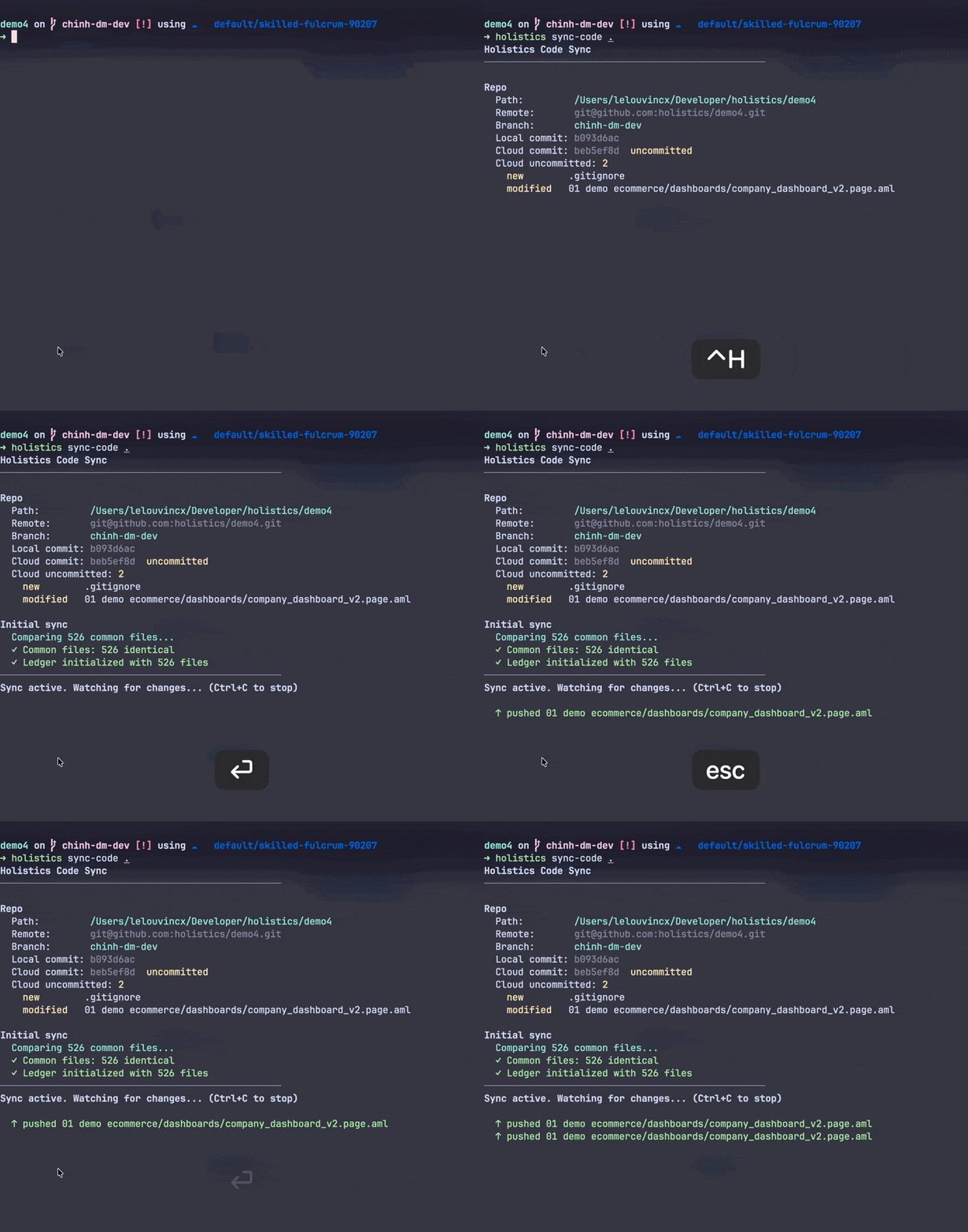
CLI: sync-code
The holistics sync-code command keeps your local AML project in continuous bidirectional sync with the Holistics cloud dev branch. Save a file in your IDE and the cloud preview updates within seconds; edits made in the Holistics UI flow back to your local files automatically.
See the Local agentic development guide for the full development loop, including the surrounding git workflow for shipping changes to production.
Usage
holistics sync-code <repo-path>
<repo-path>: path to the root of your local Holistics project. Use.when running from the project root.
The command runs in the foreground and continuously watches for changes. Press Ctrl+C to stop the sync.
Prerequisites
- The CLI must be authenticated (
holistics auth <api_key>). See Authentication. - The local directory must be a Holistics AML project connected to an external Git repository.
Example
Run from the project root:
cd your-holistics-repo
holistics sync-code .