VS Code extension
The Holistics AML extension is the official VS Code extension for editing AML locally. It gives you the IDE features you'd expect for a real programming language: autocomplete, errors as you type, hover documentation, and jump-to-definition across your project.
Works equally well in VS Code, Cursor, Windsurf, and any other VS Code-compatible editor.
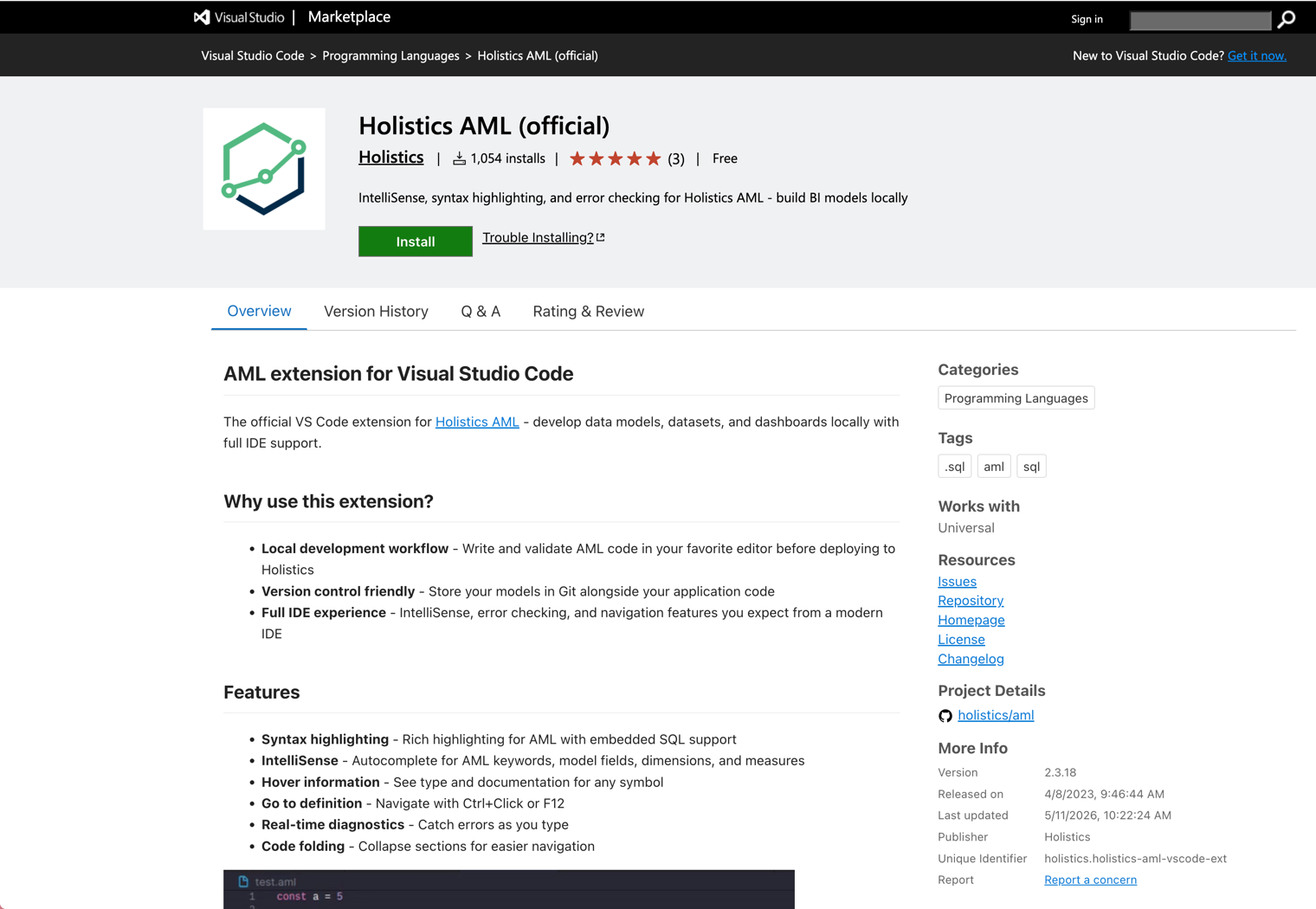
Features
Syntax highlighting
Rich highlighting for AML, with embedded SQL inside query { ... } blocks highlighted as actual SQL rather than as a string.
IntelliSense (autocomplete)
Completions for AML keywords, model fields, dimensions, and measures. As you type a reference like orders., the extension suggests the available fields and metrics on the orders model.
Hover information
Hover any symbol to see its type and any documentation attached to it: model descriptions, dimension types, relationship details.
Go to definition
Ctrl+Click (or F12) on a model, dimension, or metric to jump to where it's defined. Works across files in your project.
Real-time diagnostics
Errors appear in the editor as you type: invalid references, type mismatches, syntax errors. No need to switch to the Holistics UI to find out something is broken.
Code folding
Collapse models, datasets, dashboards, or any block to keep large files navigable.
Install
From the VS Code marketplace, search for "Holistics" and install the official extension by the holistics publisher.
Or install from the command line:
code --install-extension holistics.holistics-aml-vscode-ext
For Cursor, Windsurf, or other VS Code forks, install the same extension from your editor's marketplace UI.
The extension activates automatically when you open a workspace containing any .aml file.
Configuration
| Setting | Description | Default |
|---|---|---|
aml.enableHolisticsObjects | Enable Holistics objects (model, dataset, dashboard, etc.) in your local workspace | true |
Set this to false if you're working with pure AML outside a Holistics project context.
Pairs well with
The extension is most useful as part of a full local development setup:
- Holistics CLI and
sync-code— keep your local files in continuous sync with a Holistics dev branch so changes preview live - MCP server — give coding agents (Claude Code, Cursor, Copilot) live access to your workspace
- Local agentic development — the end-to-end workflow with agents, MCP, and sync
Troubleshooting
Extension not activating
The extension only activates when your workspace contains at least one .aml file. Open a folder containing AML, not a single .aml file directly.
Autocomplete missing fields
Confirm the model file is in the same workspace folder VS Code has open. Cross-project references won't resolve.
Stale diagnostics after editing
Use the Developer: Reload Window command (Cmd+Shift+P / Ctrl+Shift+P) to refresh the language server.