Export & Sharing Data
Holistics offers multiple ways to export and share dashboard data to both internal and external users.
Export Data
Export to a Local File
You can save your dashboard as a PDF, PNG, or Excel file for offline use or sharing.
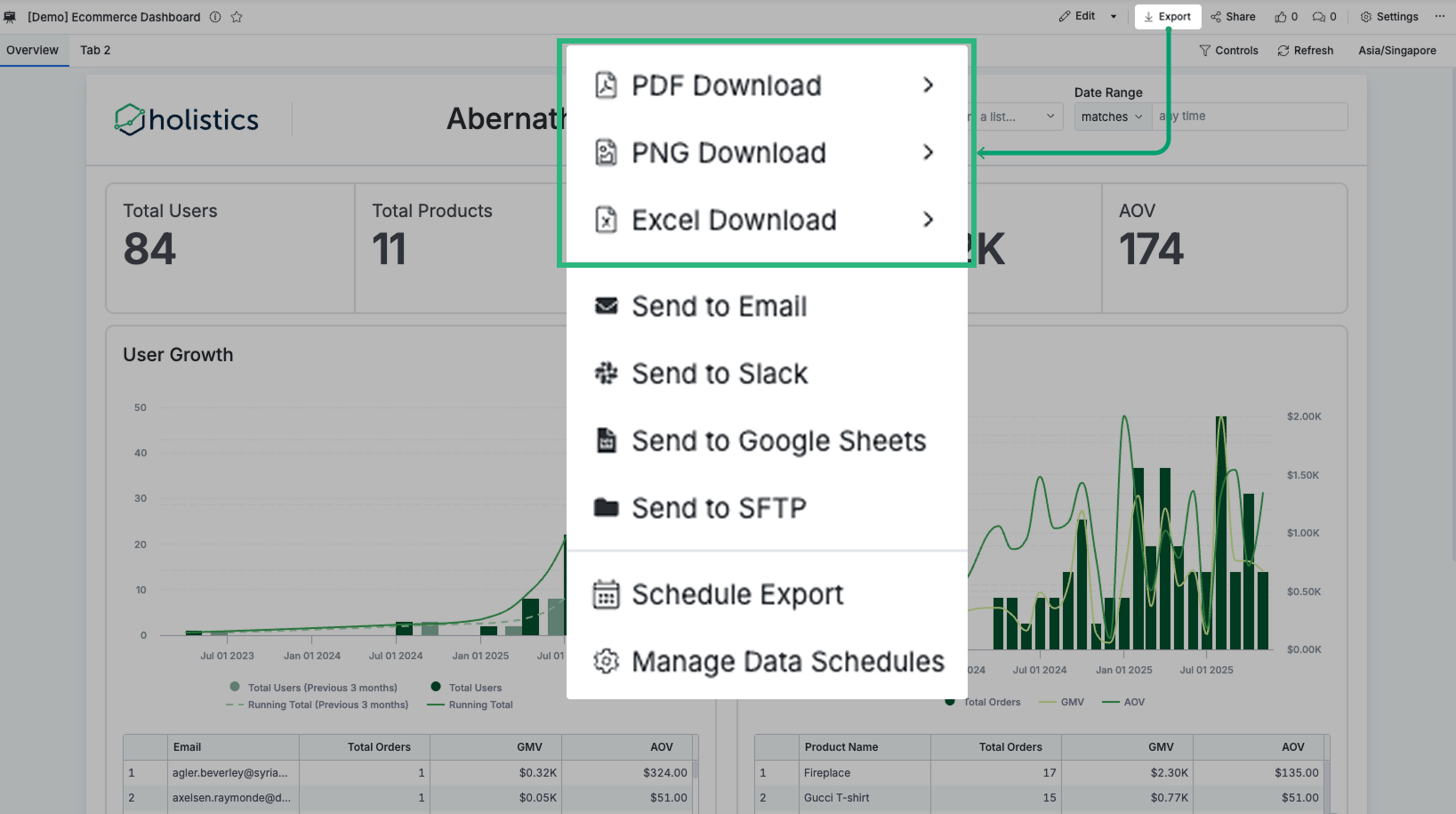
Export to Email / Slack / Google Sheets / SFTP / Telegram
Deliver dashboards to colleagues or clients through various channels, either on-demand or on a recurring schedule:
You can schedule an export only if you have a default role of Admin or Analyst. For more information about default roles, see Permission System.
Data Freshness
- On-demand exports: Use cached dashboard data when available for faster performance.
- Scheduled deliveries: Use fresh data from your database, bypassing cache to ensure the most up-to-date information.
Disable Data Download
For enhanced data security, you can restrict users from downloading data. This feature is available in our Security Compliance Suite (SCS) and Enterprise plans.
Contact us at [email protected] to learn more.
Host Exports on Your Own Amazon S3
By default, Holistics generates exported files (Excel/CSV) on our own AWS S3 storage, encrypts them, and removes them automatically after 24 hours. With this Enterprise feature, exported files are stored in your own S3 bucket instead — useful when your organization requires that all exported data remain in infrastructure you control.
Available on the Enterprise plan. Ask your account admin to submit a support ticket in-app to enable.
Row Limits on Export Operations
See Row limits for the maximum number of rows you can view or export.
Share Dashboard Access
Beyond exporting data, you can share dashboards directly with users via:
User Access
Grant specific users or groups access to view or edit dashboards within Holistics. This allows them to directly interact with live data without the need to export.
Learn more: Dashboard-level Permissions
Shareable Links
Generate links that allow recipients to view dashboards without logging into Holistics.
Learn more: Shareable Links
Public Embedding (iFrame Embedding)
Embed dashboards into public-facing websites or applications for external audiences.
Learn more: Public Embedding
Embedded Analytics
Integrate Holistics dashboards into your own applications for a white-labeled experience.
Learn more: Embedded Analytics