Embedded Analytics
Put dashboards and self-service analytics right inside your own product.
With Embedded Analytics, you can embed specific dashboards (or a full analytics experience) directly into your own application. Your users get analytics that look and feel like a native part of your product, without ever leaving your app.
Think: customer usage dashboards in your SaaS app, per-client reports filtered to each organization's data, or internal operational dashboards for your team. Here's what you get out of the box:
- No build from scratch: embed pre-built dashboards instead of writing custom analytics code
- Your app, your brand: white-label the look, domain, and experience to match your product
- Secure multi-tenancy: row-level permissions filter each report to the viewer's own data, mapped to your existing user system
- Self-service exploration: let users build their own dashboards and explore data
- Developer friendly: define portals as code, with Git integration, a live preview in the Embed Builder, and preview environments
What your users can do
Each capability below is a payload change away. Turn on what your product needs, when it needs it.
View dashboards
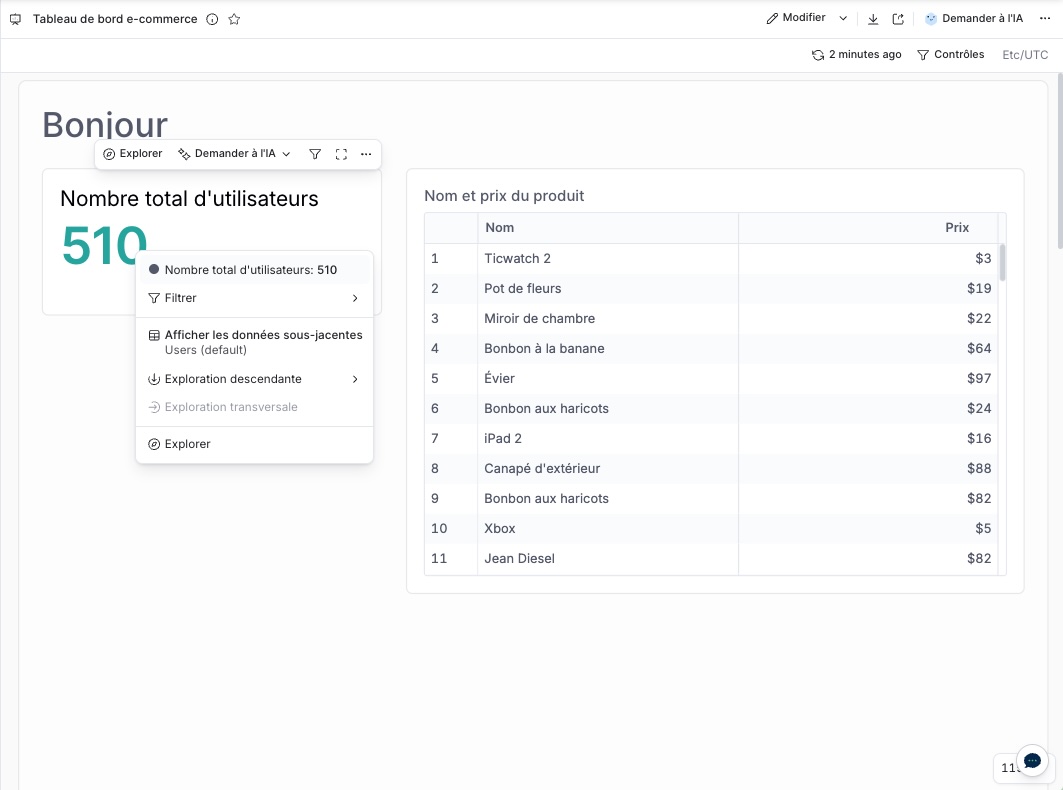
Show one or many dashboards with filters, export, and drill-through, filtered to each viewer's own data.
Explore data
Let users drill down, break down, and build their own charts from your datasets.
View underlying data
Let users open the rows behind any chart to check the numbers, filtered to their own data.
Ask AI
Answer questions in plain language, summarize charts, and dig into data with conversational analytics.
Subscribe by email
Let users schedule dashboards to their inbox as PDF, PNG, CSV, or Excel, with their own filters applied.
Build their own dashboards
Give each user a personal workspace, or a shared one per organization, to save and collaborate on dashboards.
How it works
There is one way to embed, and it takes a few minutes. Your backend signs an embed payload that describes what to show and who is viewing. Your frontend loads the result in an iframe.
- 1. Embed credential
- 3. Frontend
- 2. Backend
- iframe-box — The path carries the Key ID from your shared credential. There is no per-dashboard embed code.
- [HTML node]
- embed_key_id — The Key ID from your shared embed credential.
- [HTML node]
- token — The signed JWT your back end just produced.
- [HTML node]
- [HTML node]
- Payload — One payload describes what to show, who is viewing, and what they may do.
- Content: Dashboards, Datasets
- Permissions
- User settings
- and more
- jwt-box — Sign the payload with the Secret from your shared embed credential.
- JWT.encode(
- payload
- ,
- secret_key
- , 'HS256')
- token — A short-lived JWT. It goes in the embed URL as _token.
- Key ID
- Secret
- payload-box → chip-payload
- jwt-box → token-box
- token-box → chip-token
- node-2 → chip-secret
- node-1 → chip-key
- Generate embed credentials in Holistics: one Key ID and Secret for all your embeds.
- Build and sign the payload on your backend. List the dashboards to show, the viewer's identity, and their row-level permissions, then sign it with your Secret.
- Load the iframe in your frontend, pointing at the embed URL with the signed token.
Everything lives in the payload, so you start with a single dashboard and unlock more later by adding a few keys. There is no second setup to learn and no migration when your needs grow.
Your existing links keep working. When you're ready for the newer capabilities, follow Migrate to the new embed payload.
Customize the experience
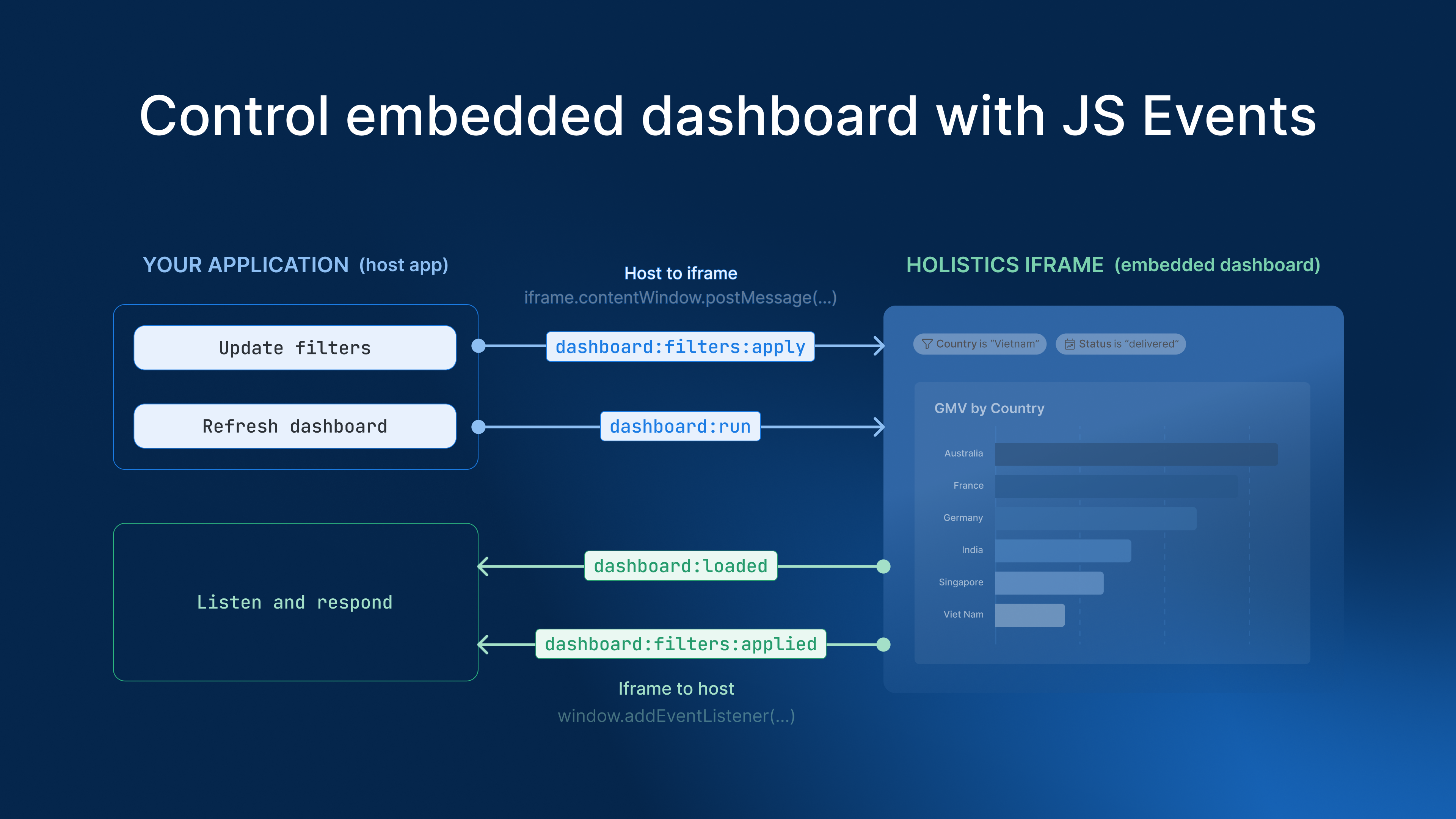
Make the embed look and behave like part of your product: your brand, your viewers' language, and two-way communication with your app.
Match your brand
White-label colors, fonts, layout, and the Ask AI assistant so the embed feels native.
Operations & security
Once the basics are working, these guides cover multi-tenancy, governance, and production concerns.