October 2, 2026
🖼️ Add images and files to your AI conversations
new feature
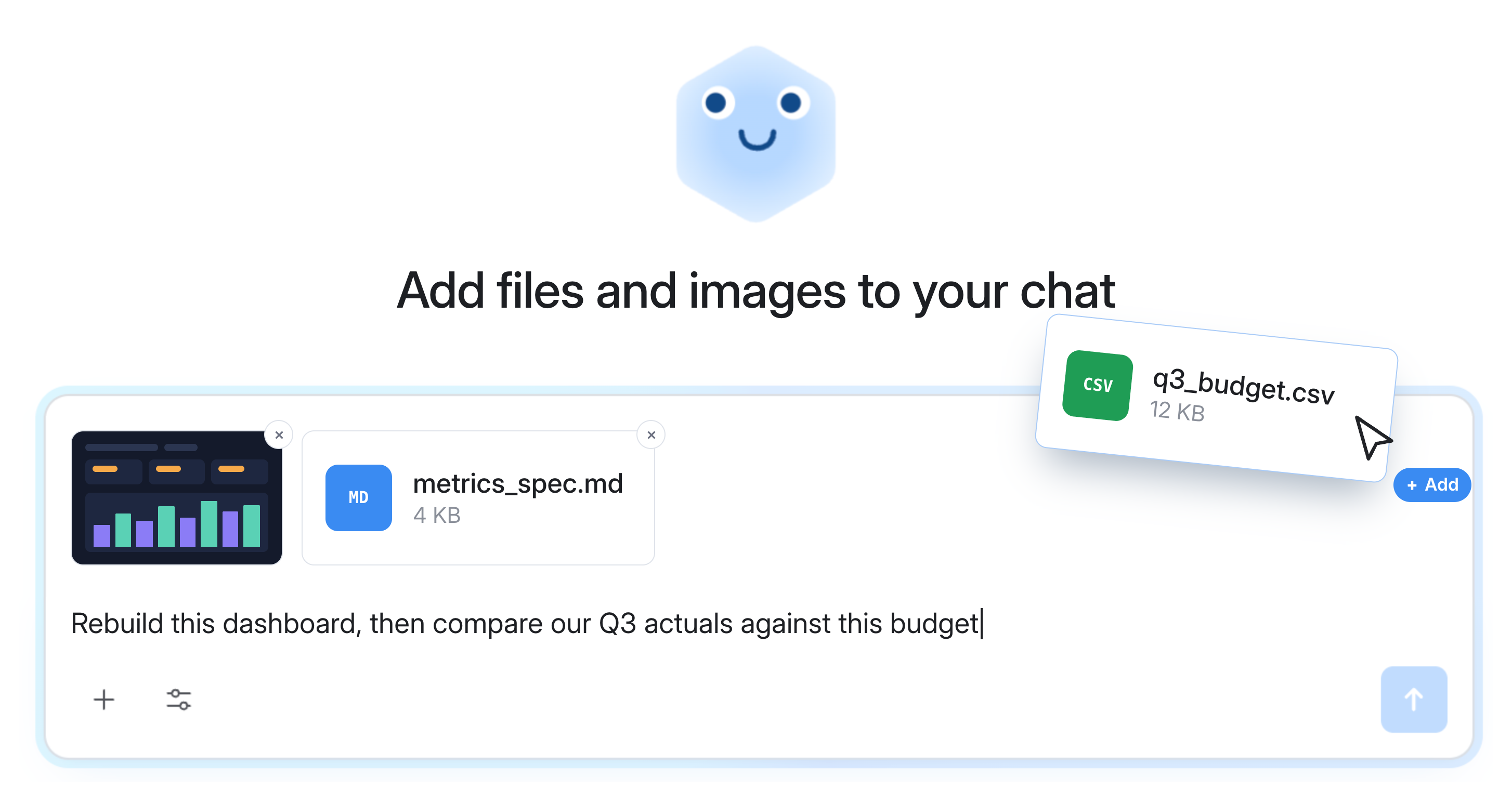
AI chat attachments let you add images and plain text or code files directly into your AI chat conversations for extra context.
With attachments, you can:
- Rebuild something that lives outside Holistics: attach a screenshot of an external dashboard and ask the AI to recreate it.
- Build out new metrics from a spec: attach a screenshot of the metrics your product team shared in Slack, and the AI drafts them for you to review and approve.
- Analyze against a list or a number that isn't in your warehouse: attach this quarter's budget and compare it to actuals.
Supported file types:
- Images: PNG, JPG, WebP, GIF, SVG
- Plain text or code files: TXT, MD, HTML, CSV, JSON, XML, SQL
Learn more: Conversation Context