October 27, 2026
🎨 Pick your own color for the "Others" group
enhancement
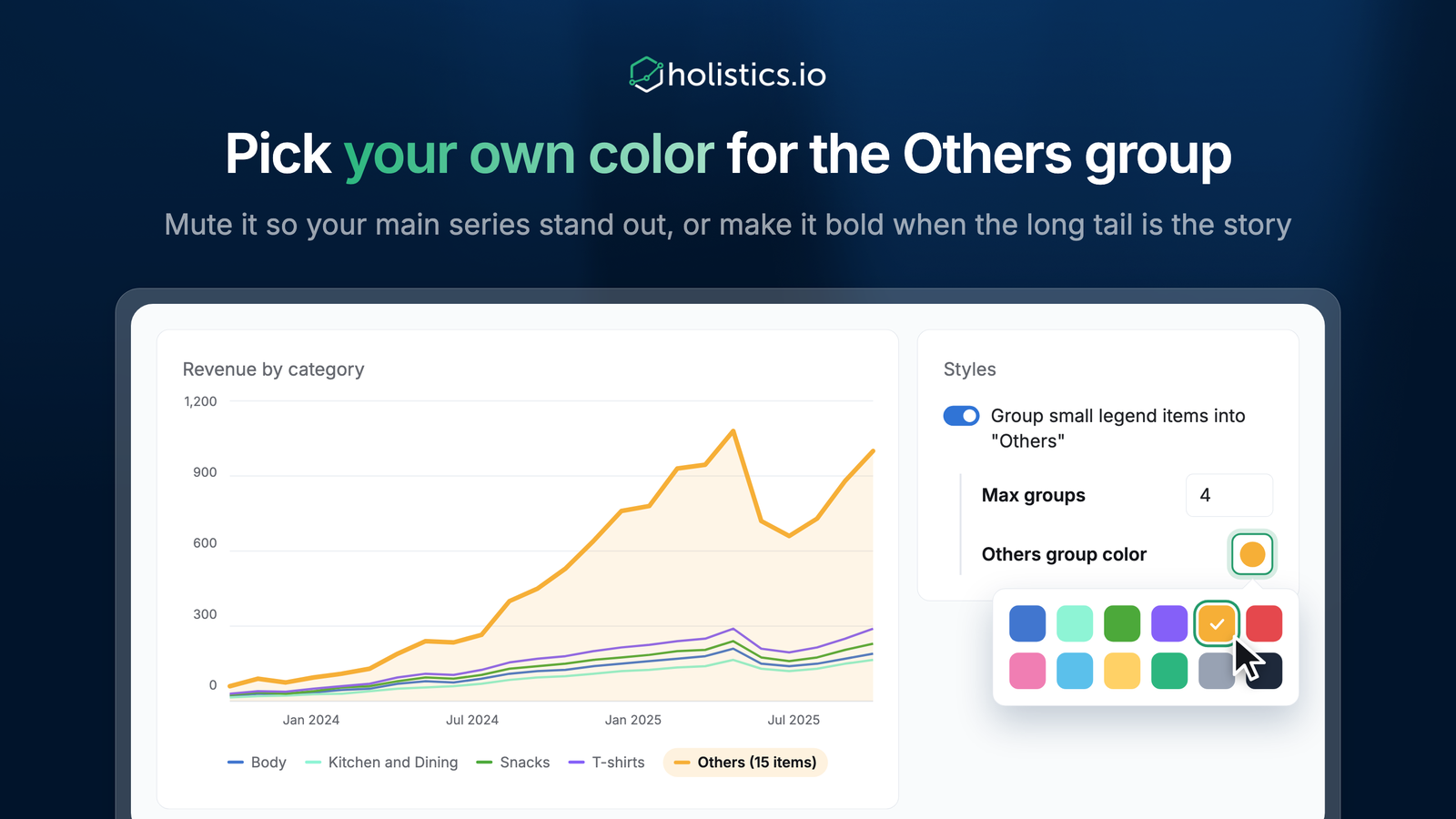
You can now choose the color of the "Others" group in your charts. The "Others" group often holds more data than any single series, but until now you couldn't change its color. Mute it so your main series stand out, or make it bold when the long tail is the story.
Get started
- Open your chart's Styles tab.
- Turn on Group small legend items into "Others" and set Max groups.
- Click the Others group color swatch and pick a color.
This works on line, column, pie, donut, pyramid, and funnel charts.